For Restaurants · Operations
Comerio Menu Assistant for Restaurants: Help Guests Order Confidently
30 June 2026 · 6 min read
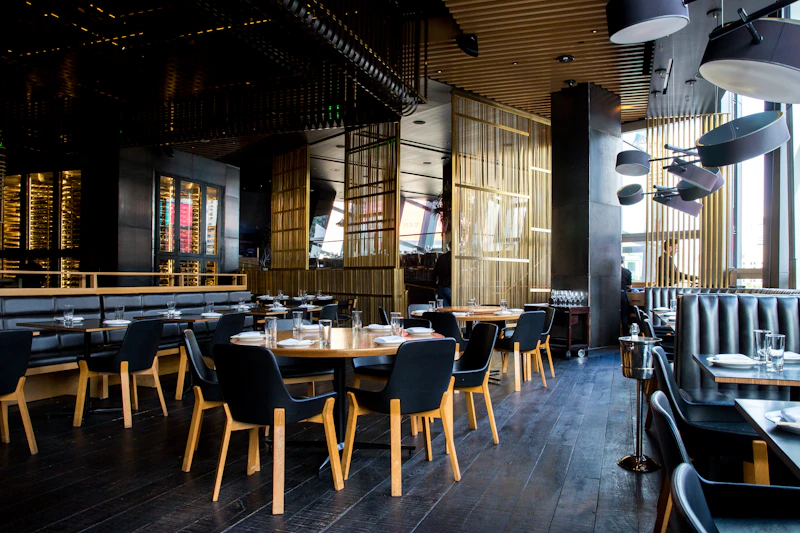
Every restaurant has the same invisible problem: guests who don't quite understand the menu. They're uncertain about portion sizes. They don't know which dishes are house specials and which are just there for symmetry. They order cautiously — one thing each, nothing shared — and end up with a meal that's fine but not the experience your kitchen was trying to create.
Most of the time, this is a communication problem. And it's more expensive than it looks.
What bad ordering costs a restaurant
A table that orders badly spends less. They order one main each instead of two starters and a main. They skip the wine pairing because they're not sure what goes with what. They don't try the sharing platter because they don't know it's meant to be shared.
Then they leave underwhelmed — not because the food was bad, but because they didn't get the full experience your kitchen designed. The review says "nice place but nothing special." The algorithm buries it.
A table that orders well has a completely different night. They try the dishes you're proud of. They share. They order more rounds. They leave full and happy and tell their friends.
The menu is only the first half of ordering. The second half is understanding it.

Great service means guests feel confident ordering. Comerio helps make that happen.
What Comerio does for your guests
Comerio reads your menu — from a QR code, a photo, or however your guests access it — and generates personalised recommendations for each table.
It tells guests:
- What each dish actually is (not just the name on the menu)
- Which dishes are designed for sharing vs individual portions
- What a sensible order looks like for their group size and hunger level
- Which dishes are most suited to their dietary requirements
- The hero dish — the one thing at your restaurant that people should not miss
It does this in under a minute. By the time the first round of drinks arrives, the table has a plan. The waiter just confirms and takes the order.
Particularly valuable for tourist-facing restaurants
If your restaurant is in a tourist area, many of your guests will be navigating your menu in a language they don't speak fluently. For them, the ordering experience is stressful. They're pointing at things they're not sure about, hoping for the best.
Comerio removes that stress. It reads the menu, explains what each dish actually is, and builds an order plan. International guests get the same experience as a local who's been coming here for years.
There's also a waiter card: after building an order plan, Comerio generates a written order in the local language that the guest can show the waiter. This eliminates miscommunication at the most critical moment of the interaction.

How Comerio reduces pressure on floor staff
Waiters spend a significant amount of time explaining the menu. “What's the difference between the raciones and the medias raciones?” “Is this dish spicy?” “Is it enough for two to share?”
These are good questions and good waiters answer them well. But at peak service, when three tables ask simultaneously, something gets missed. Comerio answers these questions before the waiter arrives. The waiter takes over with a table that's already informed and engaged.
The interaction becomes: “We were thinking plan two — the fish and seafood. Any specials today?” That's a much better conversation than starting from scratch.
How restaurants are already using Comerio
The most common pattern we see: restaurants in tourist-heavy areas add a small card or tent card to the table that says "Scan with Comerio for recommendations in your language." No integration required. No app for the restaurant to manage. Guests who want to use it can; guests who don't, don't.
It's essentially a free upgrade to the dining experience for international guests — with no operational overhead.
What Comerio needs to work with your menu
Nothing special. If your menu is:
- A printed menu — guests photograph it and Comerio reads it.
- A QR code — Comerio follows the link and reads the menu text automatically.
- A chalkboard — guests photograph it. Works just as well.
There's no onboarding, no monthly fee, no contract. Comerio is a free tool for your guests — they use it whenever they need it.
Have questions or want to discuss how Comerio can work at your restaurant? Email us at support@comerio.app and we'll be happy to help.
Try Comerio with your menu
Scan your menu and see what Comerio recommends for a table of four. Free, no sign-up. Questions? support@comerio.app
Try Comerio →